
The Risk Isn't Where Your Club's Data Lives. It's How Old It Is.
Justin Roberts
September 16, 2026
Still sending renewal reminders by hand? Learn how membership renewal software automates the whole process — so your club gets paid on time without the adm

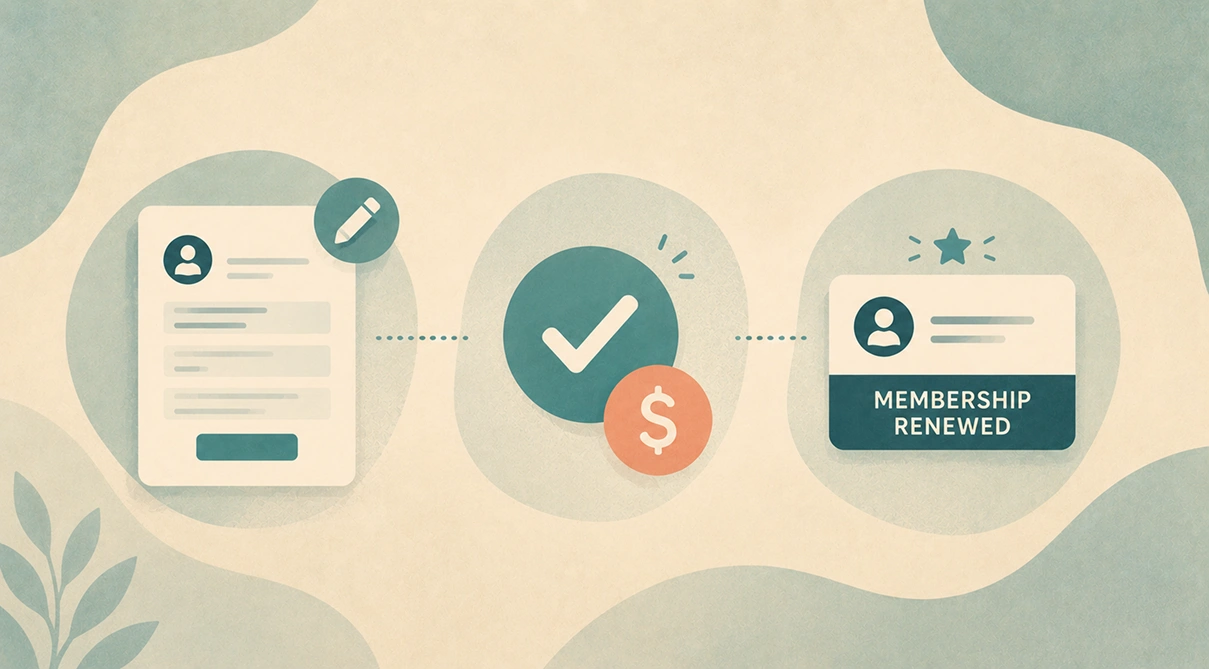
Every club treasurer knows the feeling. Renewal time rolls around and suddenly you're spending your evenings sending individual emails, following up on bounced payments, and tracking down members who've gone quiet. One by one. By hand.
It doesn't have to be this way.
Automated membership renewal software handles the entire renewal cycle — reminders, payment collection, status updates — without you lifting a finger after the initial setup. This guide walks you through how it works, what to look for, and how to get it running in your club.
Before we get into solutions, it's worth understanding the actual cost of doing renewals the old way.
Research suggests that manually renewing memberships for just 500 members using spreadsheets and manual outreach can consume over 170 hours of volunteer or staff time per year. That's more than four full work weeks — spent on admin that software could handle automatically.
Beyond the time cost, there's the money you're leaving on the table. Studies consistently show that up to 50% of membership lapses are involuntary — members who intended to renew but simply never got a reminder at the right time, had a card expire, or found the renewal process too confusing to bother with.
The result: your club loses members not because they stopped caring, but because the renewal process failed them.
Common problems with manual renewal systems include:
If any of that sounds familiar, you're not alone — and you don't have to keep doing it this way.
Modern membership renewal software automates the administrative cycle that currently eats your time. Here's what it handles end-to-end:
The software tracks every member's expiry date and sends timed reminder emails automatically — typically at 90, 60, 30, and 7 days before expiry. No manual scheduling, no missed members. You set the cadence once and it runs every year.
Members can renew and pay online directly from the reminder email. No forms to return, no cheques to deposit, no manual payment matching. Payments are recorded against the right member automatically.
As renewals come in, member records update in real time. Your committee can see exactly who's financial, who's pending, and who's lapsed — all in one place, without anyone having to update a spreadsheet.
Good renewal software doesn't just send one reminder. It can send a follow-up sequence to members who haven't responded, and flag lapsed members for a final manual outreach if needed — so nothing slips through.
Once a member renews, they receive confirmation instantly along with their updated digital membership details. No paperwork, no printing, no delays.
Getting automated online membership renewals running doesn't have to be a big project. Here's how it typically works:
Start by getting your existing member records into the system. Most membership software lets you import from a spreadsheet. Include names, email addresses, phone numbers, and current expiry dates.
Decide when you want reminders to go out. A common sequence is:
Connect a payment gateway so members can pay online. Your software should support card payments at a minimum. Some clubs also configure direct debit for recurring annual payments.
Write your reminder emails once. Keep them brief, personal in tone, and include a clear link to the online renewal page. Most platforms let you use your club's branding and merge member names automatically.
Before going live, run through the renewal process yourself as if you were a member. Check that the payment link works, the confirmation email arrives, and the member record updates correctly.
Let your members know that renewals are moving online. A short note in your club newsletter or at a meeting goes a long way. Most members will appreciate the convenience once they experience it.
Not all membership software handles renewals equally. When evaluating options for your club, look for:
Automated reminder sequences — the system should send timed reminders without any manual triggering. If you have to click a button to send each batch of reminders, it's not truly automated.
Online payment integration — members should be able to pay directly from the reminder email with no logins or extra steps required. Each additional click reduces your renewal rate.
Real-time membership status tracking — your committee needs to see who has and hasn't renewed at any point during the renewal period, not just at the end.
Reporting — a renewal dashboard showing renewal rate, outstanding payments, and lapsed members gives your treasurer the data they need without digging through records manually.
Australian payment support — make sure the platform processes payments in AUD and supports local payment methods. Some international platforms have gaps here.
Built for clubs, not businesses — generic CRM or subscription platforms aren't designed for the way sporting clubs operate. Look for software built specifically for clubs and associations, with an understanding of membership structures, committee roles, and compliance requirements.
See how SquadSpot handles club membership renewals
The numbers speak for themselves. Clubs that move to automated membership renewals typically see:
For smaller clubs where a handful of volunteers run everything, this isn't just a convenience — it's the difference between a sustainable operation and burnout.
Membership renewal software automates the process of reminding members their membership is expiring, collecting renewal payments online, and updating membership records. It replaces manual spreadsheet tracking and individual email follow-ups with a system that runs automatically on a schedule you set.
Yes — automated renewal systems don't have to be all-or-nothing. Most clubs use online renewals as the default but still accept manual payments from members who prefer it. The software allows you to manually mark those members as renewed once payment is received in person.
Most clubs get the best results with an initial reminder 60–90 days before expiry, a main notice 30 days out, and a final reminder in the last week. This gives members enough notice to budget and plan, without so much lead time that they forget.
The software flags them as lapsed after their expiry date. You can set up an automatic post-expiry follow-up email, and the system will show you a list of lapsed members so you can decide whether to make personal contact with any of them.
Most clubs are up and running within a day or two. The main task is importing your member data — which typically involves exporting a spreadsheet from wherever you currently store it and importing it into the new system. Good software has guides and support to walk you through it.
If your renewal process still involves manually sending emails, chasing payments, and updating spreadsheets, you're spending time on admin that software can handle for you — reliably, automatically, and without the stress.
Automated club membership renewals aren't just for large clubs with big budgets. They're available to any club that's ready to stop doing things the hard way.

